

Help for the Shopsystem:
Welcome to our HAHN+KOLB Advertisingworld.
In order to help you find your way around this online store, you will find below a little help and answers to the most important questions.
If you have any further questions, please do not hesitate to contact us.
Contact person:
Full Service-Team
hahn-kolb@kolibri.net
Login:
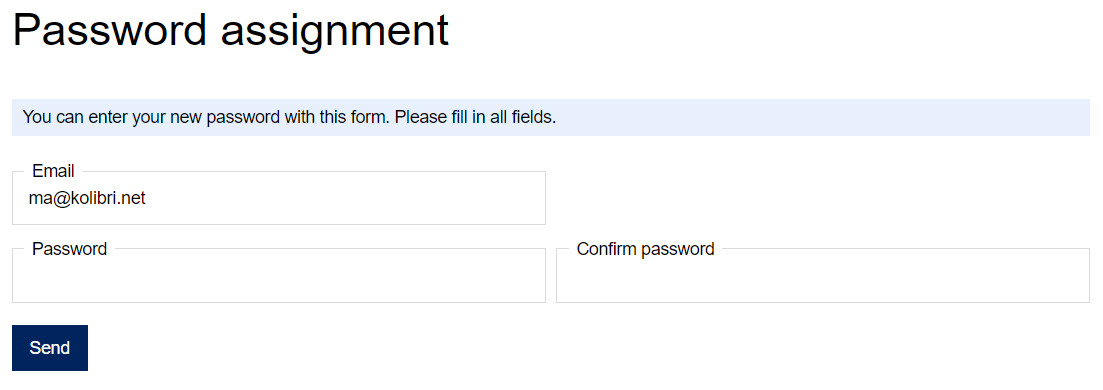
For your first login, please click on “Password assignment” and enter your email address. You will then receive an email from us. You can use the link in the email to set yourself a new password.
Your personal data:
By clicking on "My account" (see button below) you achieve to your personal data.

The maintenance of the user master data is made by your own. The change of the private address is made under "My account - Change data / settings".
You can see your past orders by clicking "See your previous orders".
Managing shipping addresses:
A different shipping address will be entered during the ordering process under "Address". To do this, select "To another shipping address" on the drop-down under shipping address. Shipping addresses that have already been stored are already displayed and can be selected or you can create a new shipping address.
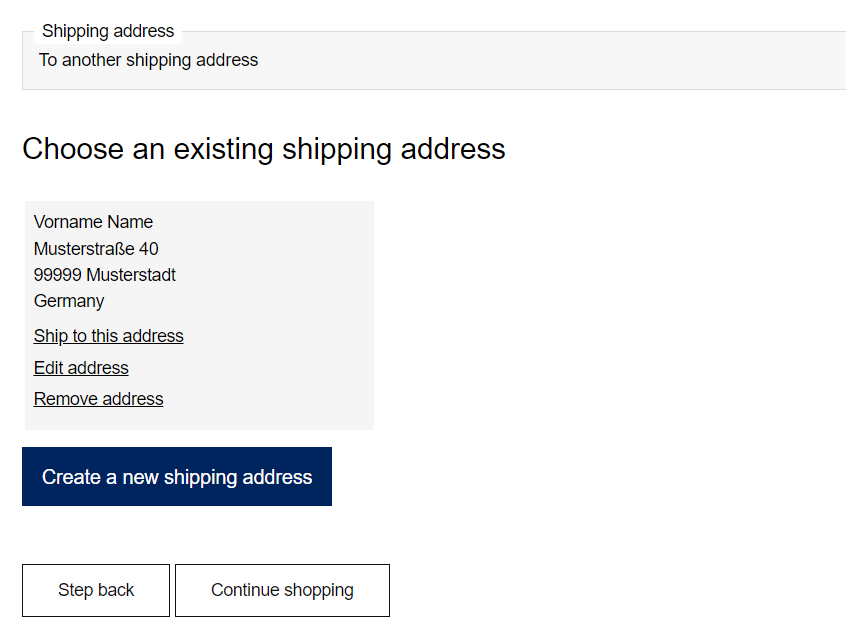
Already saved shipping addresses can be edited and deleted during the ordering process or under "My account - Manage your shipping addresses".
Budget:
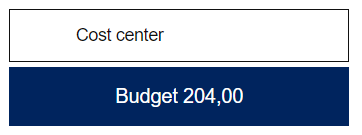
You can view the available budget by clicking on the wallet icon:

The budget amount will be shown as follows:
Article details:
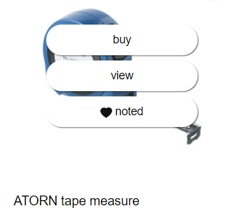
By clicking on the article picture, you have the option of placing the item directly in the shopping cart (buy), calling up the item details (view) or adding the article to the watch list (noted):
If you click on "view", you will be shown a detailed article description. You will also find all variants (sizes, colors, etc.), as well as the packaging units (PU) and the prices.
Watch list:
You have the possibility of adding articles to your watch list. The watch list can be accessed by clicking on the heart symbol:

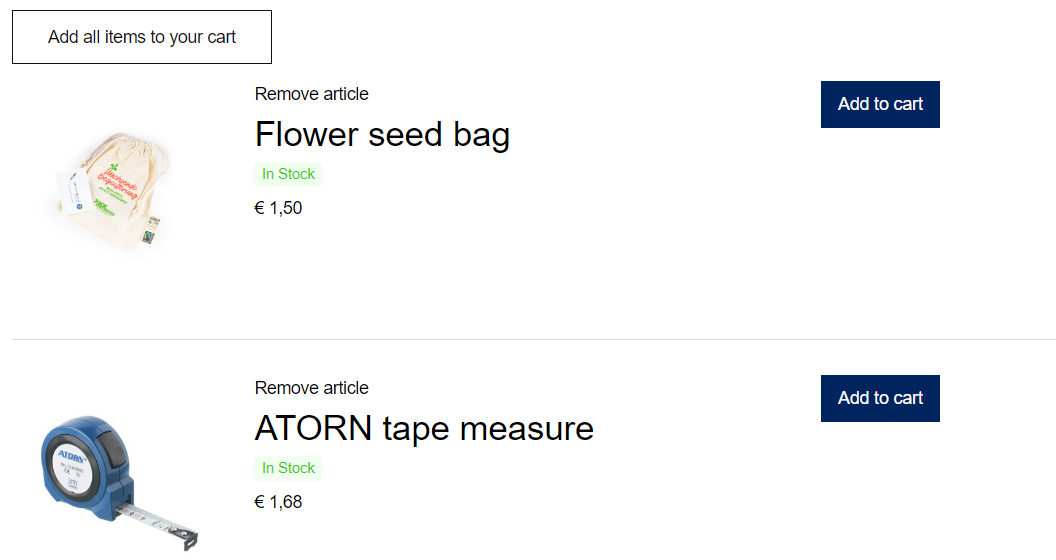
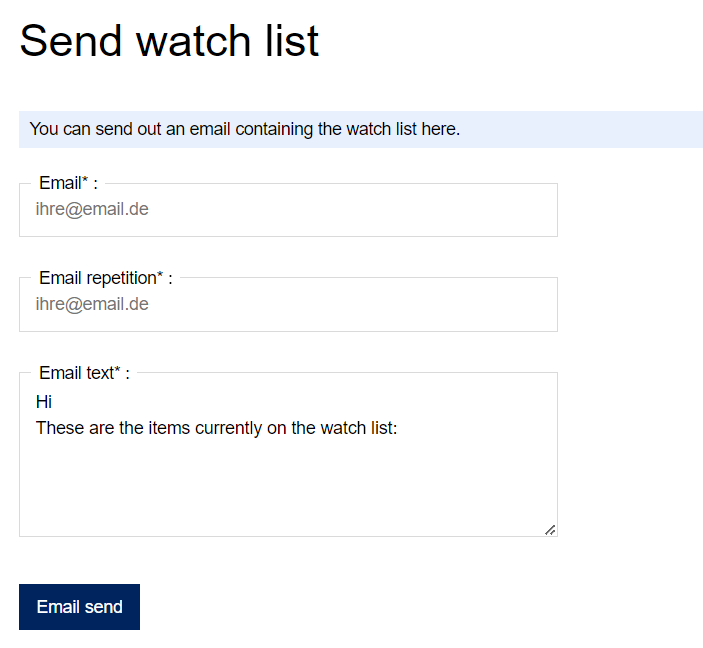
Items that you have set in your watch list can be added to the shopping cart at any time or sent by email to your supervisor or colleague:
Unavailable articles:
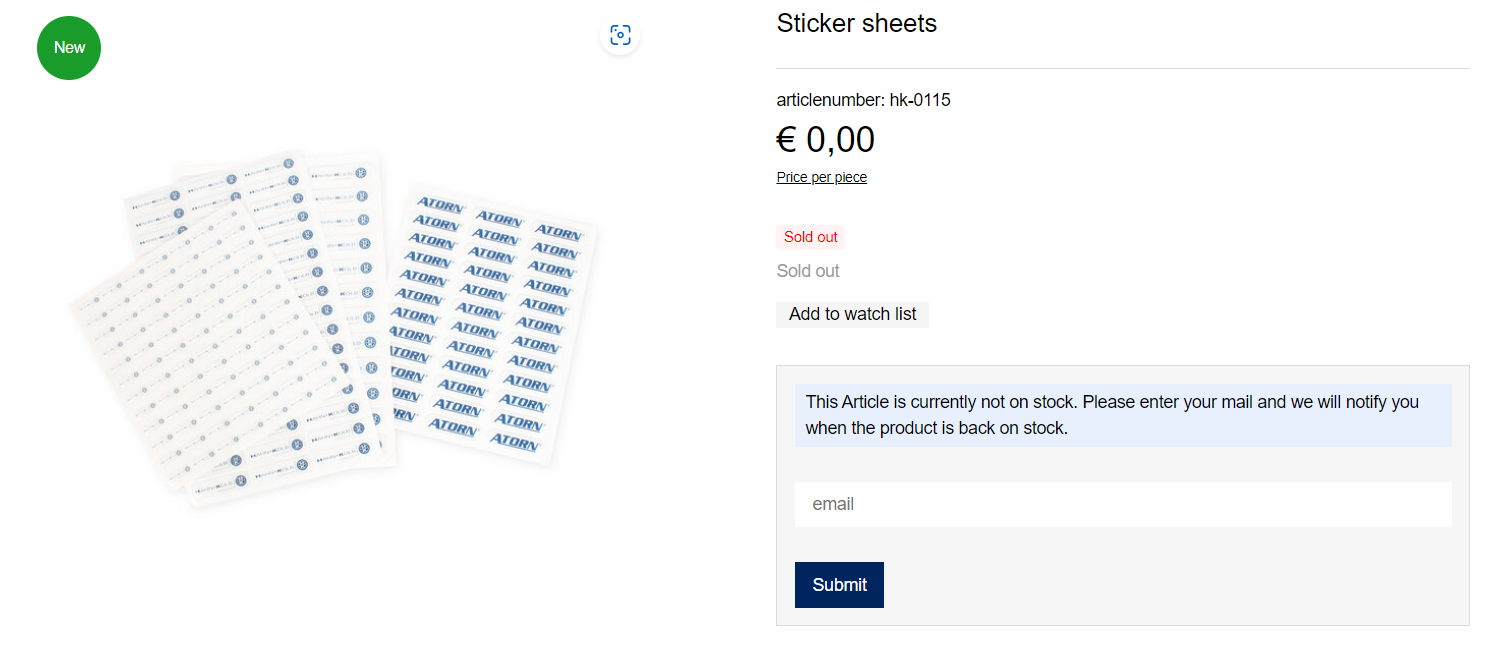
Articles that are currently not on stock, you have the option of entering your email address. You will be notified as soon as the article is available again.
Order items and add them to the shopping cart:
Enter the desired order quantity in the entry field and then click on the shopping cart icon. Please note that the quantity must be specified in pieces. If you enter an incorrect amount, you will receive an error message. Alternatively, you can also increase the quantities using the plus sign or reduce them using the minus sign.
The prices are quoted per piece and are exclusive of VAT.
You can view the contents of the shopping cart at any time by clicking on the "shopping cart" button without having already ordered it:

Delete article on shopping cart:
You can remove the products from the shopping cart by clicking the "Delete" button.
Place an order:
If you want to buy the products in the shopping cart, click the "Next step" button.
The master data from your profile is already stored. Mandatory fields are marked in colour and with a '*'. If you would like to send your order to a different shipping address, please select the address (see above for information on delivery address management). After entering your data, please check your details again.
On the next page, select the shipping method as well as the payment method. You have the possibility to enter a comment and must, before proceeding, check the box with which you accept the terms and conditions.
You will then receive an overview of your order. There you can check your entries.
Send order / order confirmation via email:
By clicking on the button "Purchase" you complete the ordering process. You will then immediately receive an order confirmation via e-mail from us.
Article over 10 €:
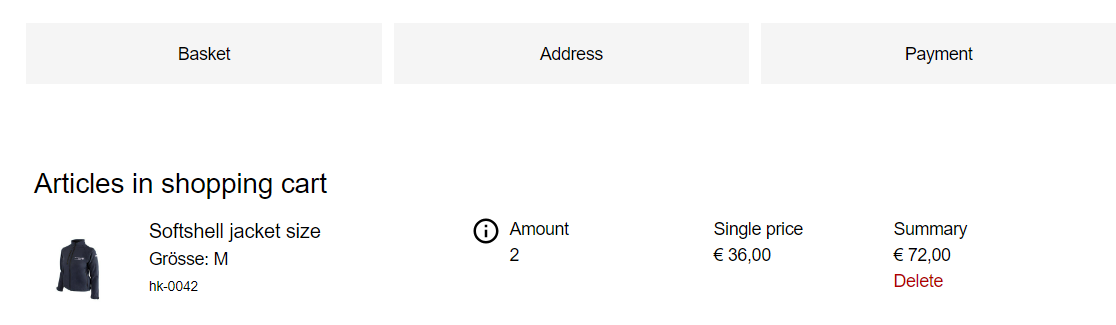
Items for which recipient proof are marked with an "i" in the shopping cart.
Own requierements or recipient proof:
In the detailed view, the selection must be made whether the item is required for own use or a recipient's proof.
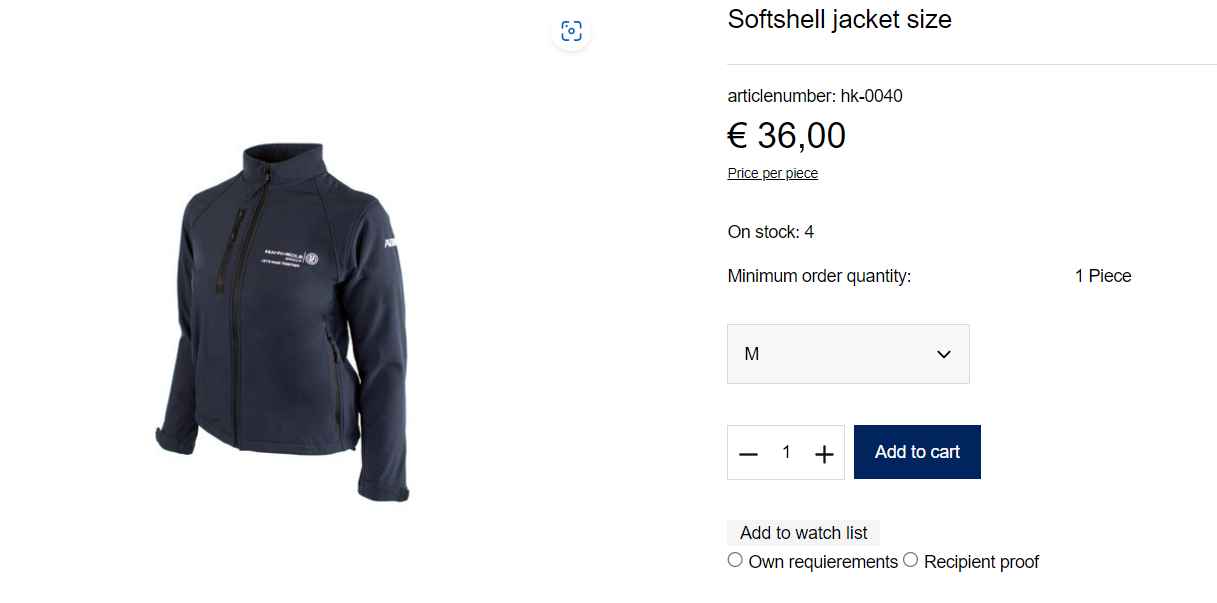
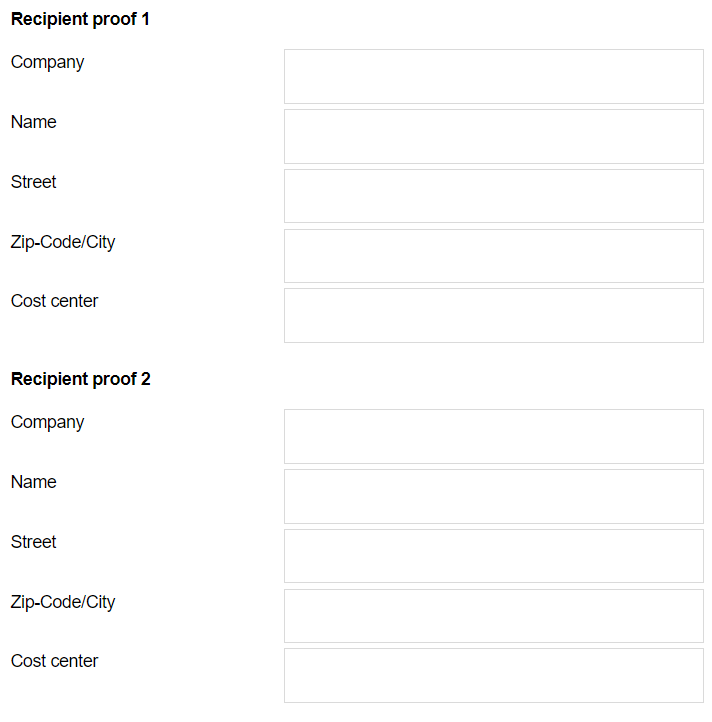
When you click on the receipient proof, fields that need to be filled in will open below the "Add to cart" button.
Minimum order value:
Minimum order value = 50,00 Euro value of goods plus VAT.
Delivery time:
Germany:
Delivery usually takes place within one week of receipt of the order (if the desired item(s) are on stock).
EU/International:
Depending on the country of delivery, shipment takes one to three weeks after receipt of the order. The shipping costs are calculated according to the country of delivery and the weight of the goods.
Shipping costs:
Calculation according to the weight of the goods and the country of delivery.